没有清单中表明的 PerMonitorV2也没有对 DPI 感知 API 的调用的解决办法
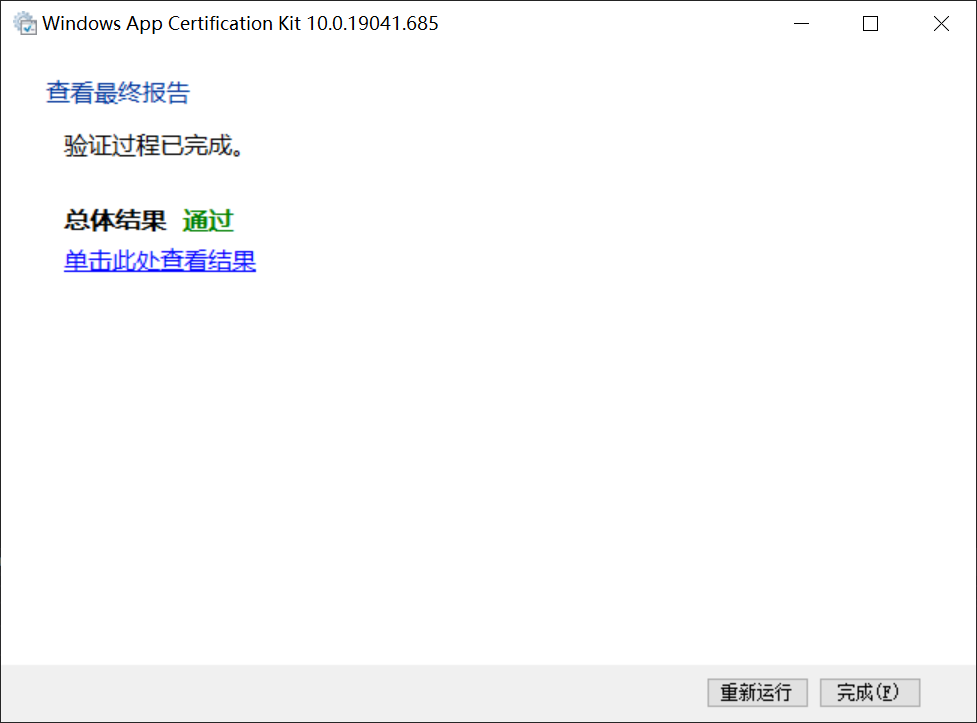
Windows App Certification Kit 10.0.19041.685 测试报告出现如下错误:
高 DPI 支持
警告DPIAwarenessValidation
- 警告: DPI 感知验证测试检测到以下警告:
- 文件 <ProjectName>\<ProjectName>.exe 既没有清单中表明的 PerMonitorV2也没有对 DPI 感知 API 的调用例如 user32!SetProcessDpiAwarenessContext 或 user32!SetThreadDpiAwarenessContext。
- 应用 xxxxxx.ProjectName_<version>_neutral__<storeid> 不是 DPI 感知应用。
- 未修复时会产生影响: 如果应用不具有 DPI 识别功能但在高 DPI 显示设置上运行,则可能会遇到 UI 元素缩放不正确、文本截断以及影像模糊等问题。
- 如何修复: 建议你在应用部件清单中将应用声明为 DPI 感知应用。 否则,应用应使用 DPI 感知 API 调用,例如 SetProcessDpiAwarenessContext 或 SetThreadDpiAwarenessContext API。
编写高 DPI 应用
解决办法如下:
在<ProjectName>项目点击右键新建一个app.manifest文件,用以下内容替换掉app.manifest中的内容:
<?xml version="1.0" encoding="utf-8"?>
<assembly manifestVersion="1.0" xmlns="urn:schemas-microsoft-com:asm.v1">
  <assemblyIdentity version="1.0.0.0" name="HelloWinUI3.app"/>

  <application xmlns="urn:schemas-microsoft-com:asm.v3">
    <windowsSettings>
      <!-- The combination of below two tags have the following effect:
           1) Per-Monitor for >= Windows 10 Anniversary Update
           2) System < Windows 10 Anniversary Update
      -->
      <dpiAware xmlns="http://schemas.microsoft.com/SMI/2005/WindowsSettings">true/PM</dpiAware>
      <dpiAwareness xmlns="http://schemas.microsoft.com/SMI/2016/WindowsSettings">PerMonitorV2, PerMonitor</dpiAwareness>
    </windowsSettings>
  </application>
</assembly>
重新发布测试即可!