windows server 2008 r2的IIS8.0打开svc链接出现404的解决办法:
如果将WCF应用部署到windows server 2008 r2的IIS8.0出现404问题:
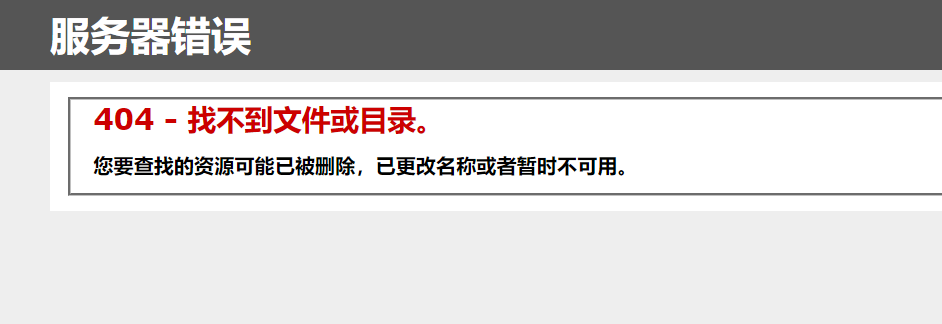
解决办法:
1.打开powershell
2.输入Add-WindowsFeature -name NET-WCF-HTTP-Activation45 回车
安装完成即可!

如果将WCF应用部署到windows server 2008 r2的IIS8.0出现404问题:
解决办法:
1.打开powershell
2.输入Add-WindowsFeature -name NET-WCF-HTTP-Activation45 回车
安装完成即可!