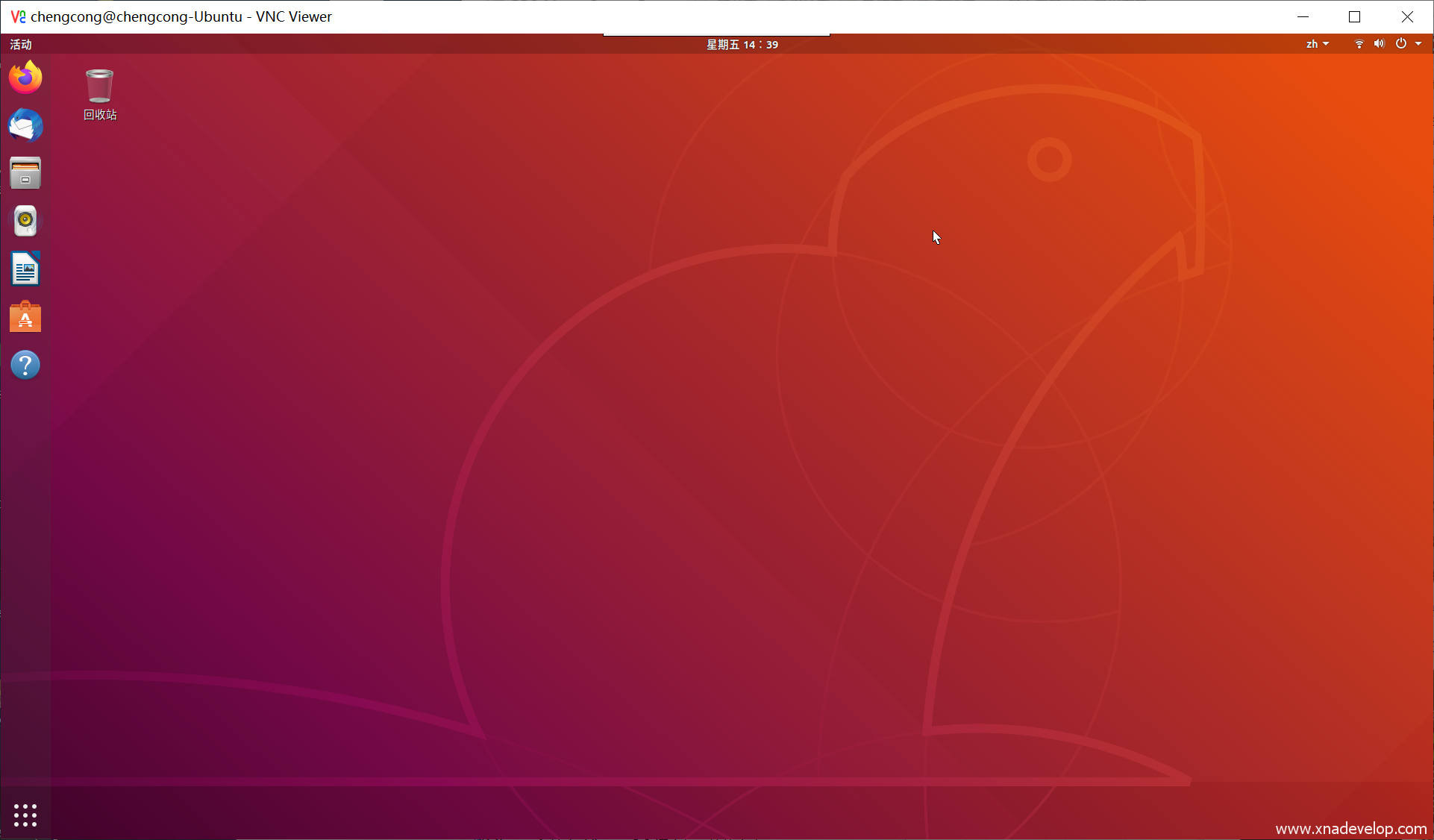
Windows10通过VNC Viewer远程桌面连接ubuntu18.04LTS
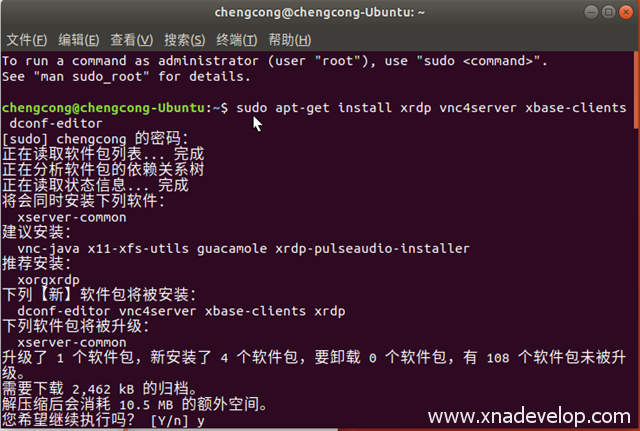
打开终端。在终端输入:sudo apt-get install xrdp vnc4server xbase-clients dconf-editor
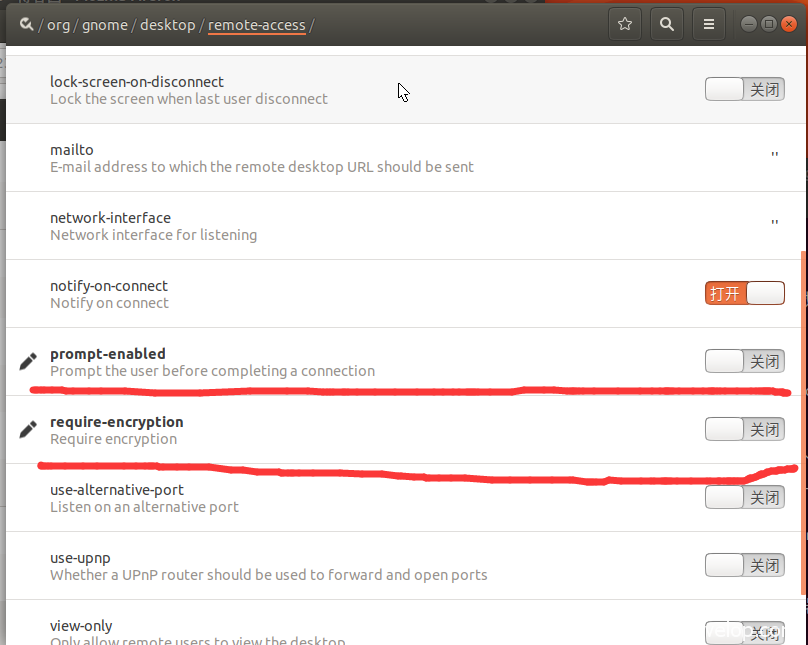
在终端输入:dconf-editor 关闭下图两项设置
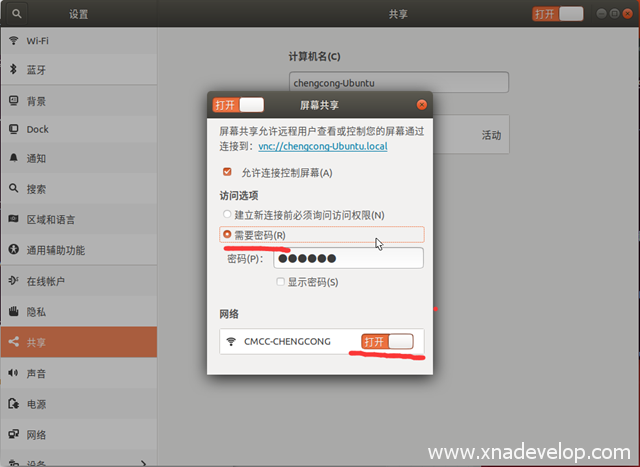
打开屏幕共享,按下图设置
安装vnc4server
在终端输入:sudo apt-get install vnc4server tightvncserver
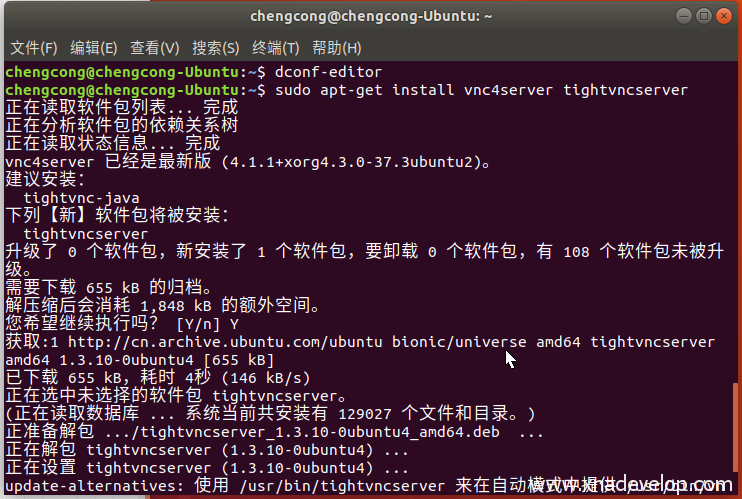
安装完成后,就可以在Windows上使用VNC Viewer等工具连接ubuntu了